Data Breaches: The Primary Source
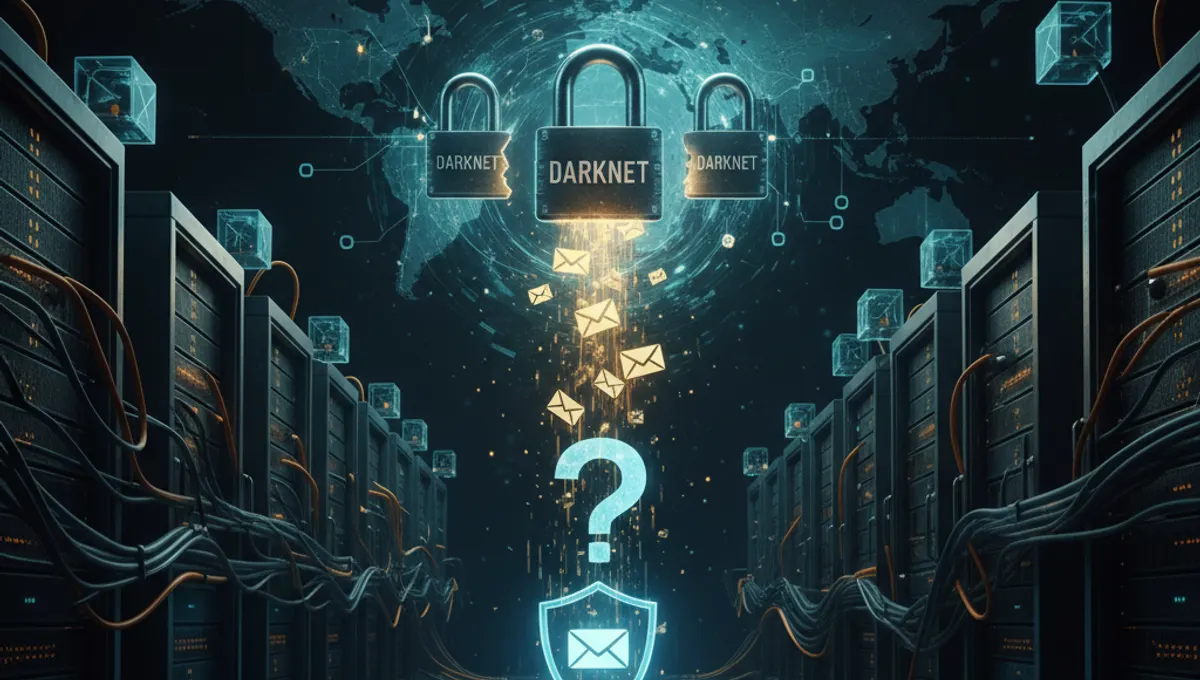
The most common reason your email appears on the dark web is a data breach. When companies experience security incidents, attackers steal customer databases containing email addresses, passwords, and personal information. These breaches can affect any organization, from retail platforms to social media sites. Once stolen, criminals sell or distribute this data on dark web marketplaces and forums. Your email may have been compromised from a service you used years ago and only recently surfaced online. Checking whether your email was involved in known breaches using verification tools can help you understand your exposure level and take appropriate action.
Why Is My Email Address on the Dark Web After a Breach
After a breach occurs, your email address becomes a commodity. Cybercriminals compile stolen data into lists and sell them to other threat actors for various purposes. Your email might be used for targeted phishing campaigns, credential stuffing attacks, or sold to spammers. Dark web marketplaces operate as clearinghouses for this information, where buyers can purchase lists organized by industry, country, or data type. The dark web provides anonymity for both sellers and buyers, making it an ideal platform for trading stolen credentials. Understanding this market dynamic helps explain why your email persists in these spaces long after the initial breach.
How Is My Email on the Dark Web Without a Known Breach
Your email can appear on the dark web even without a major breach affecting you directly. Criminals use automated tools to harvest email addresses from public sources like websites, forums, social media profiles, and business directories. Email addresses are also compiled from data aggregators and sold in bulk. Additionally, your email may have been exposed through a breach at a service you forgot about or a third-party vendor that collected your information. Sometimes emails are simply guessed or generated using common patterns. Even if you've been careful online, your address can still surface through these indirect channels, making it difficult to pinpoint exactly when or how your email was compromised.
Is My Email on the Dark Web: How to Check
Several methods can help you determine if your email has been compromised. Free breach notification services monitor dark web forums and marketplaces for exposed credentials, alerting you if your email appears in new dumps. You can also manually search dark web search engines and forums, though this requires accessing Tor Browser and navigating unfamiliar platforms. Some security-focused websites maintain searchable databases of known breaches. If you discover your email on the dark web, don't panic. The presence of your email doesn't automatically mean your accounts are compromised, but it does indicate you should strengthen your security measures immediately by changing passwords and enabling two-factor authentication.
My Email Is on Dark Web: Immediate Actions to Take
If you confirm your email is on the dark web, take these steps immediately. Change your password for the affected account and any other accounts using the same or similar passwords. Enable two-factor authentication on all important accounts, especially email and financial services. Monitor your credit reports for suspicious activity and consider placing a fraud alert with credit bureaus. Review your account activity for unauthorized access and check connected devices and apps with permission to access your account. Be cautious of phishing attempts targeting your email address. Consider using a password manager to generate unique, strong passwords for each service. While your email being on the dark web is concerning, these proactive measures significantly reduce the risk of identity theft or account takeover.
Long-Term Protection Strategies
Protecting yourself from future exposure requires ongoing vigilance. Use unique, complex passwords for each online account and store them securely in a password manager. Enable two-factor authentication wherever available, particularly on email and financial accounts. Regularly review privacy settings on social media and limit the personal information you share publicly. Be skeptical of unsolicited communications asking for personal details. Keep software and operating systems updated to patch security vulnerabilities. Consider using email aliases or temporary email addresses for less-trusted services. Periodically check if your email appears in new breaches using monitoring services. While you cannot prevent all breaches, these practices minimize your exposure and reduce the impact if your information is compromised.
Frequently asked questions
Does having my email on the dark web mean my accounts are hacked?
Not necessarily. Your email being on the dark web indicates exposure but doesn't confirm active account compromise. However, it increases your risk significantly. Criminals may use your email for phishing, credential stuffing, or targeted attacks. Change your passwords immediately and monitor your accounts closely for unauthorized activity.
How long does it take for my email to appear on the dark web after a breach?
Timing varies widely. Some breached data surfaces within days, while other information may take months or years to appear. Criminals sometimes hold data before selling it to maximize profit. Your email might have been compromised years ago and only recently discovered or released publicly on the dark web.
Can I remove my email from the dark web?
You cannot directly remove your email from dark web marketplaces or forums. Once data is distributed, it's nearly impossible to eliminate completely. However, you can limit future exposure by strengthening security practices, using unique passwords, and monitoring for suspicious activity. Focus on protecting your accounts rather than removing the data.
Should I change my email address if it's on the dark web?
Changing your email address is not always necessary but may be beneficial if you experience ongoing phishing or harassment. Before changing, secure all accounts associated with your current email and update recovery information. If you keep your email, implement strong security measures like two-factor authentication and monitor for suspicious activity regularly.
What should I do if I find my email on a dark web marketplace?
Take immediate action by changing passwords for all accounts, especially email and financial services. Enable two-factor authentication everywhere possible. Check your credit reports and consider placing a fraud alert. Monitor your accounts for unauthorized access. Document what you find and consider reporting the breach to relevant authorities if it involves a specific company.